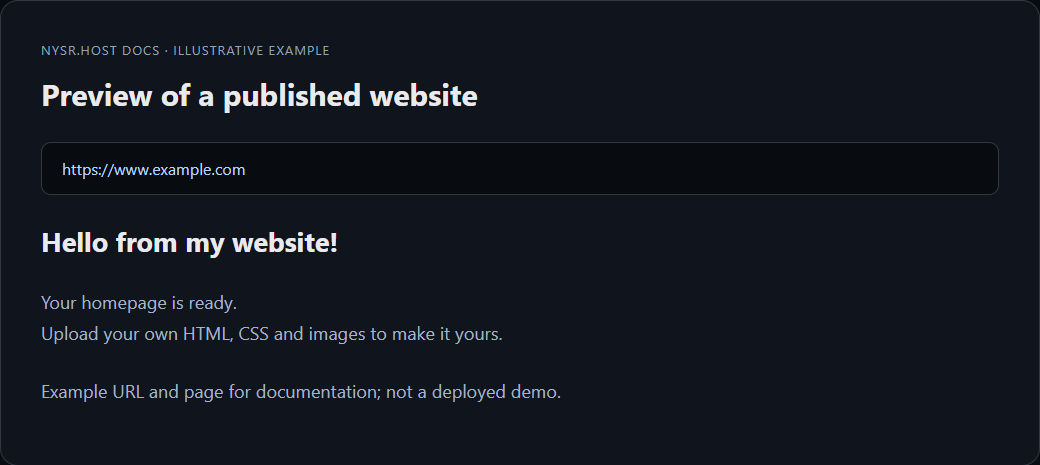
How to connect a custom domain
Use this guide when you want your project to load from your own domain, like example.com, instead of only the free nysr.host subdomain.
verified
nysr.host verifies your DNS before linking the domain, so add the DNS records first.
1 dns Add your DNS records first
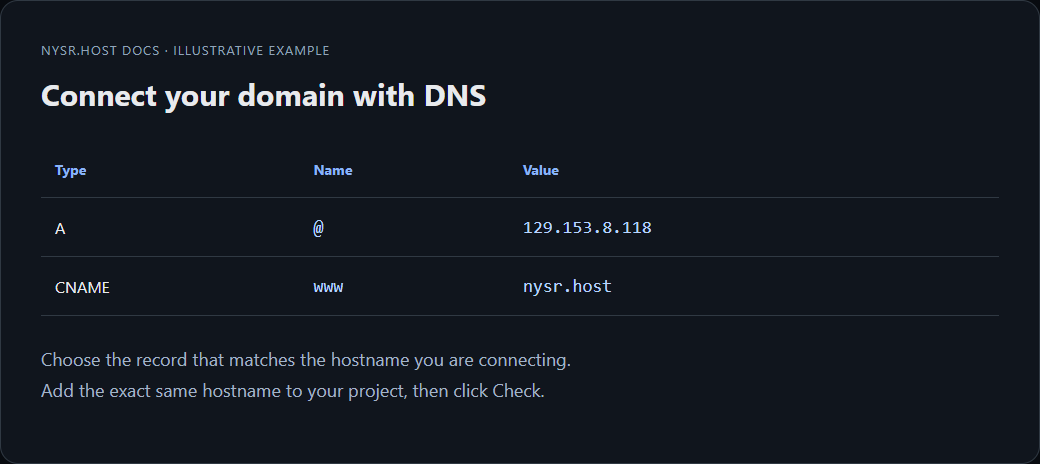
Open your domain provider and add one of these records:
Type: A | Name: @ | Value: 129.153.8.118
Type: CNAME | Name: www | Value: nysr.host
2 add_link Add your domain from the dashboard
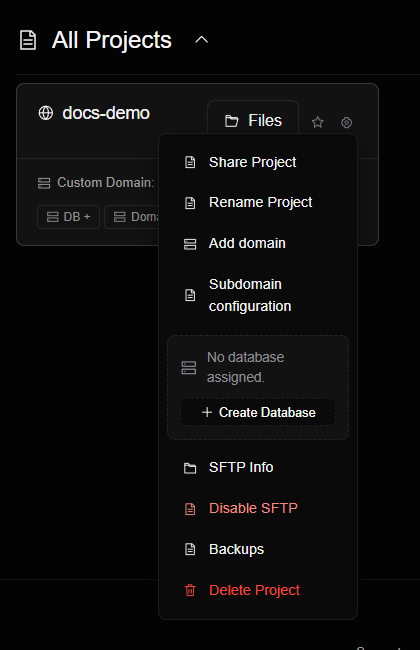
Go to the dashboard, open your project, and click Domain + (or Add domain in the project settings). Enter the exact domain visitors will open.
3 verified Click Check and wait for verification
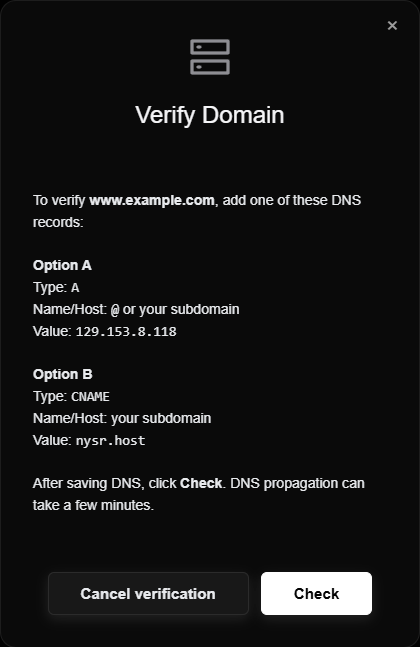
Click Check. nysr.host confirms the domain is free, verifies your DNS, and activates free HTTPS automatically. If DNS has not propagated yet, wait a few minutes and try again.
lightbulb
If you add both the root domain and www, configure both in DNS.
4 public Open your live domain
Open your domain in the browser. If it still does not load, check the DNS record for typos.