Fix common PHP and 404 errors
If your project does not load correctly, use this checklist before changing code.
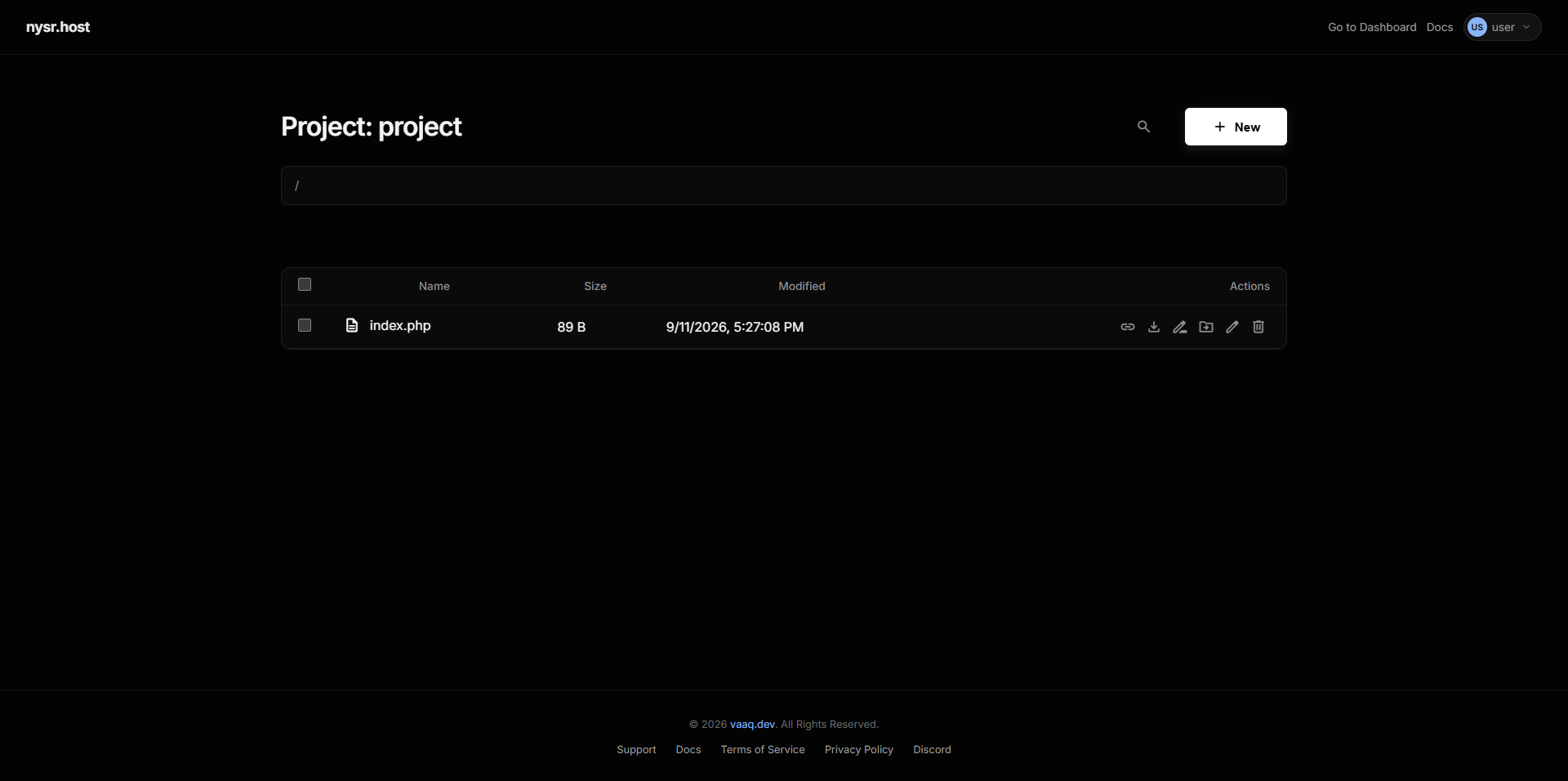
1 error 404 page
- Make sure
index.phporindex.htmlexists in the root folder. - Check that files are not inside an extra uploaded folder.
2 download PHP downloads instead of running
warning
This should not happen now. If you see it, contact support and include the project URL.
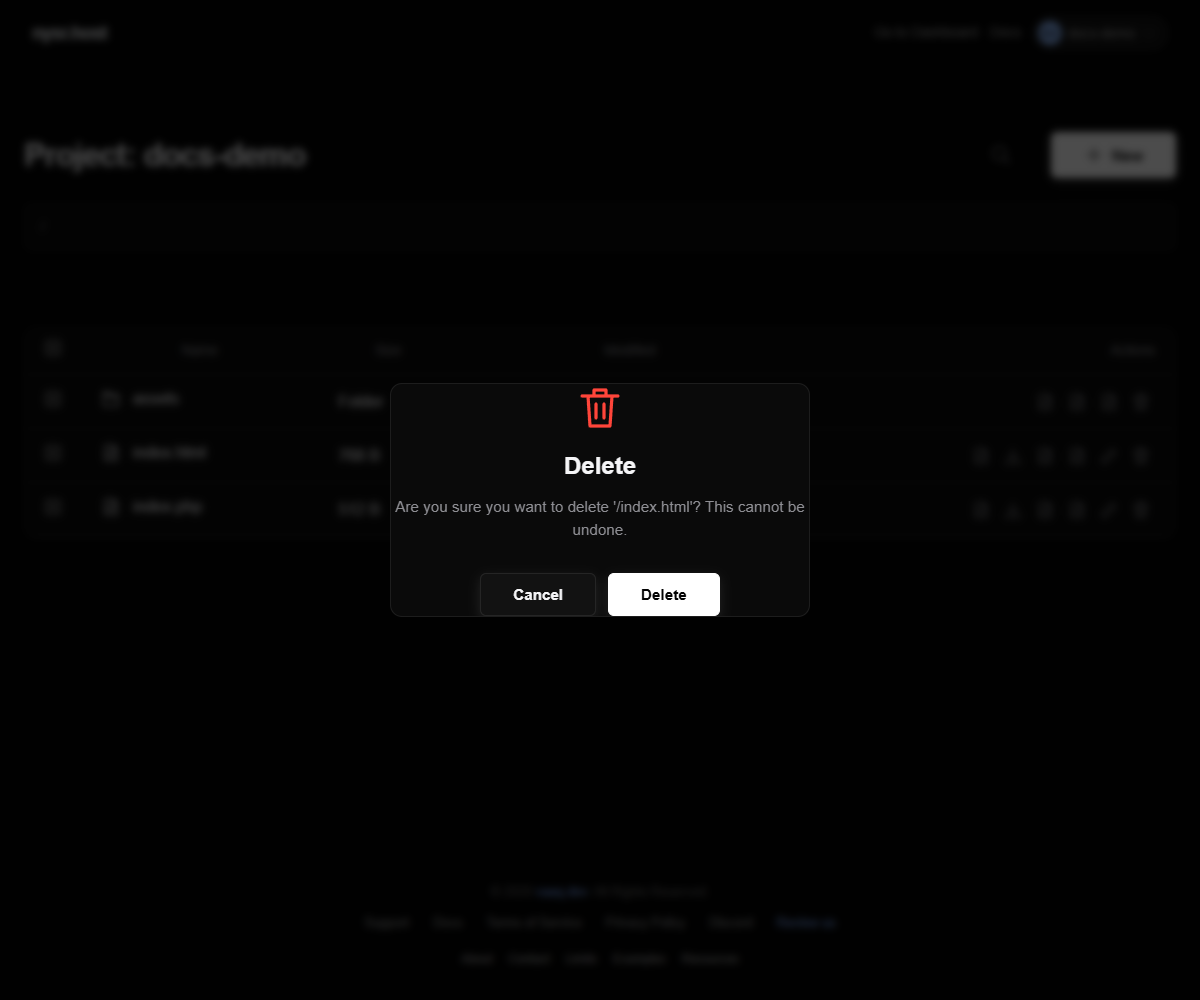
3 description Default page still appears
Delete the default index.html if your homepage should be index.php.
4 sync Changes do not appear
Refresh the browser, check the correct project, and confirm the file was uploaded to the root folder.