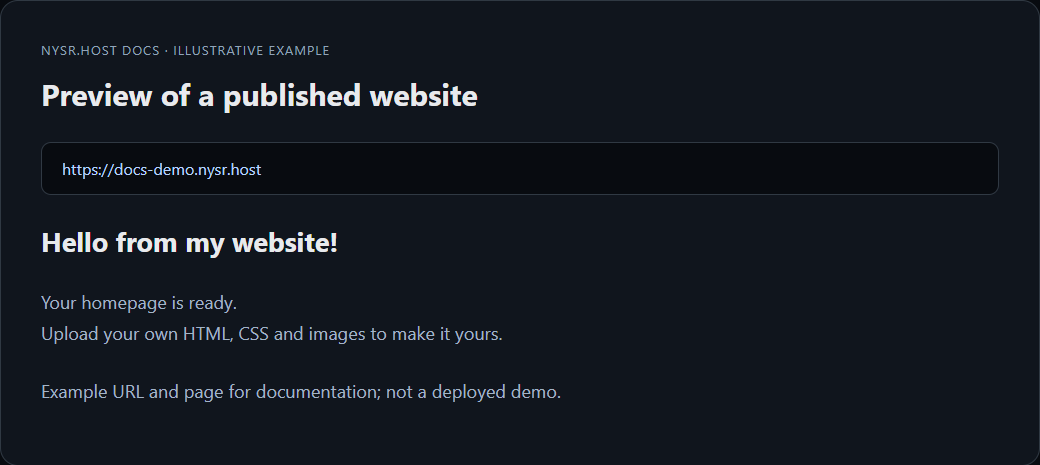
How to host a static website
Static sites use HTML, CSS, JavaScript, images and fonts. They do not need PHP or a database.
1 add_circle Create a project
Create a project from the dashboard. Choose a short name for the free subdomain.
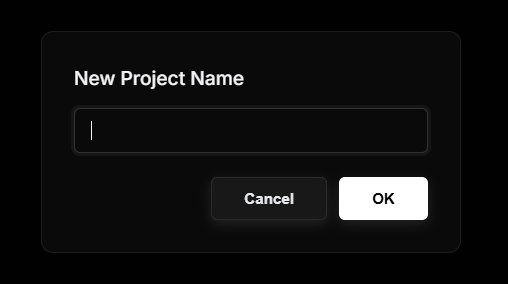
2 upload Upload your files
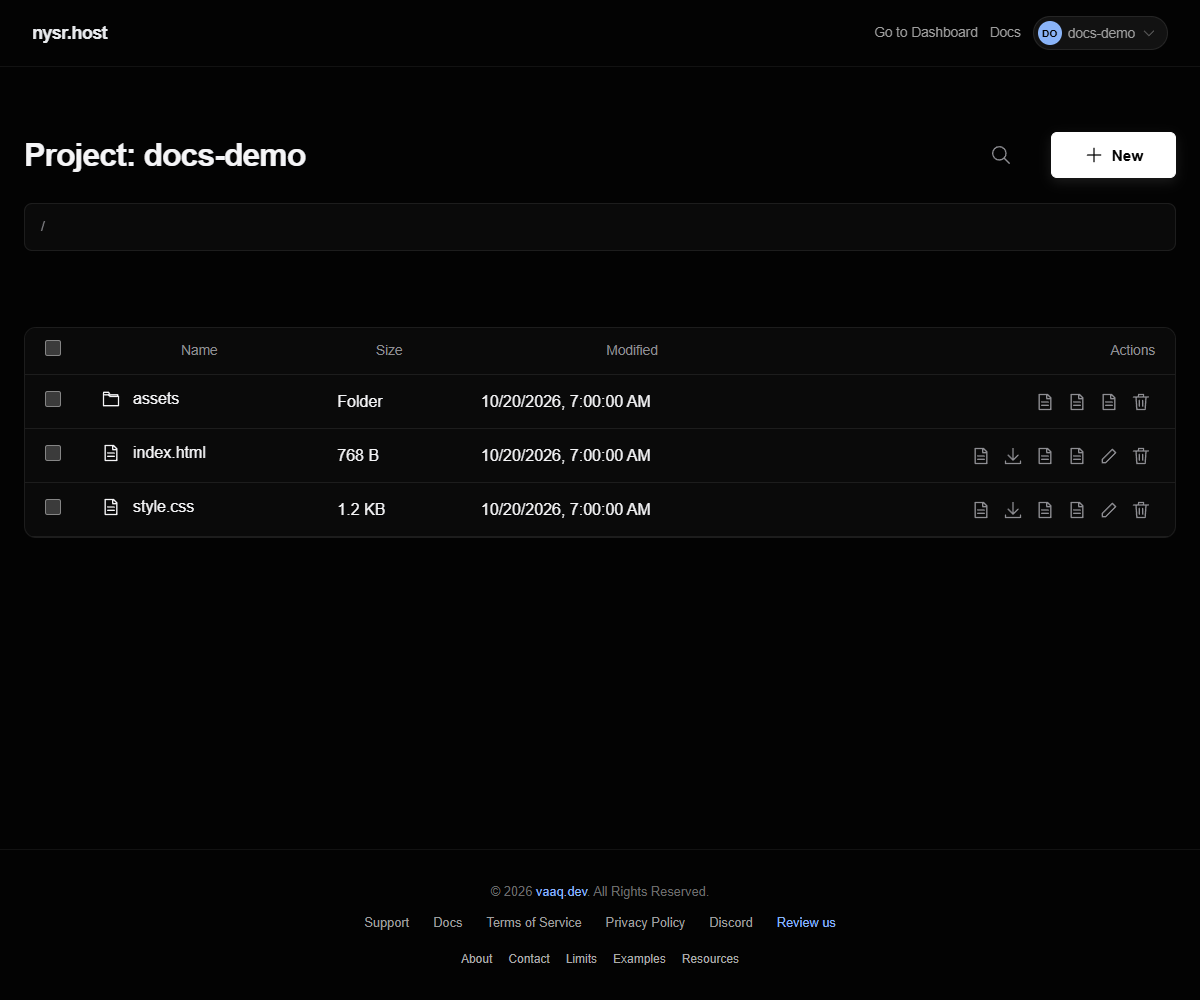
Click Files and upload your website files into the root folder.
warning
Your homepage must be named index.html. If your files are inside an extra folder, move them to the root folder.
3 public Test the site
Open your project URL. If styles are missing, check that CSS and image paths match your folder structure.