How to host a PHP website
This guide walks you through publishing a PHP website on nysr.host. You will create a project, add a simple index.php file, upload it, and open the live URL.
Before you start, prepare a small PHP file or use the example below. You do not need Git, SSH, or server setup.
1 Create an account
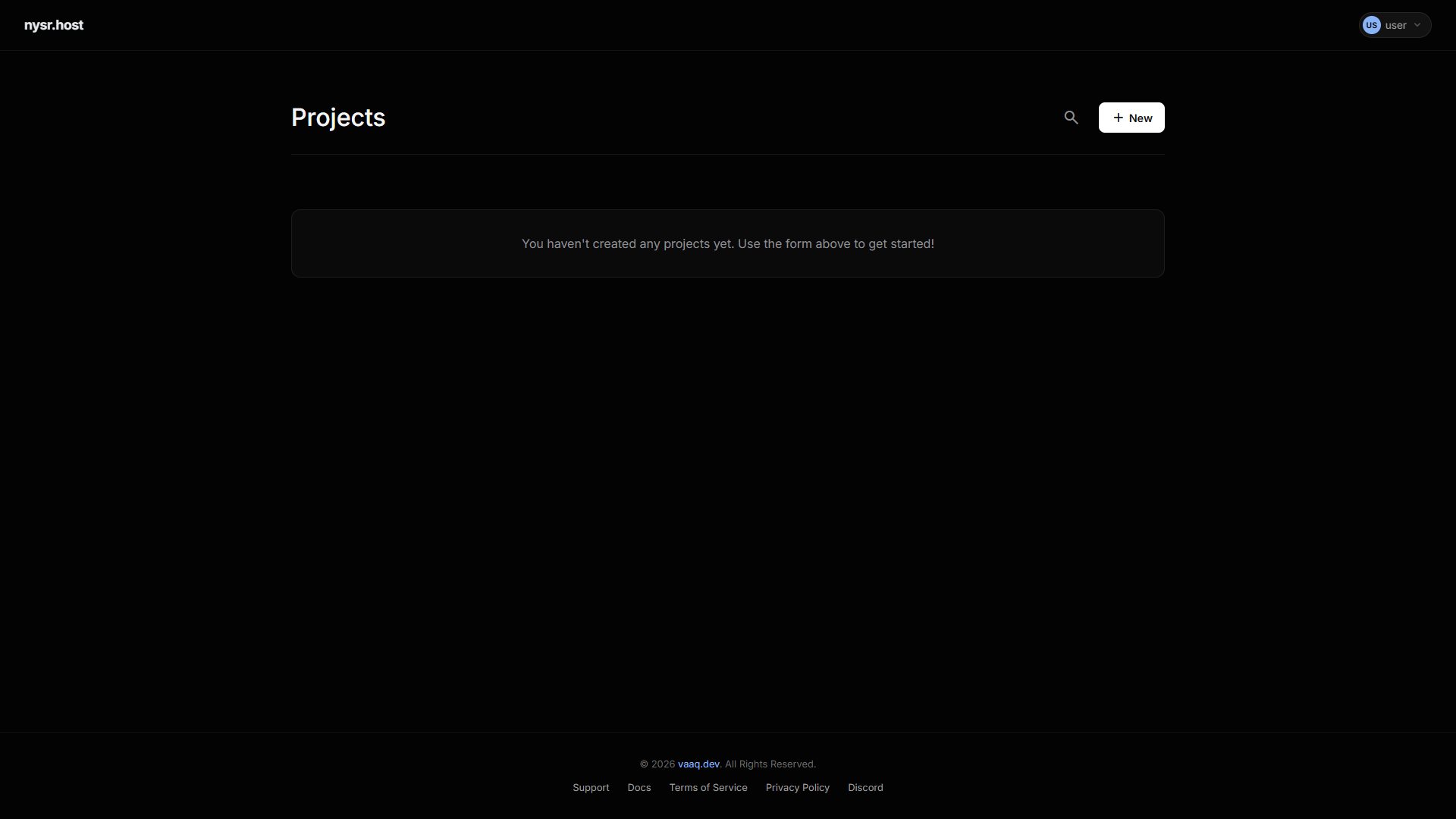
Go to nysr.host/register and create your account. After logging in, open the dashboard. This is where your projects are listed.
2 Create a project
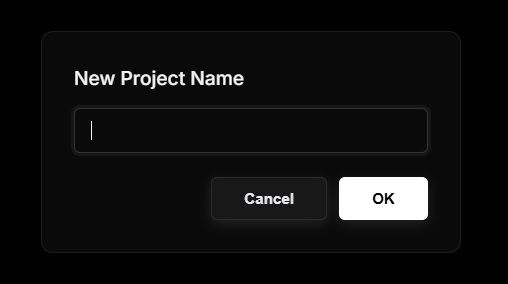
In the dashboard, click New Project. Choose a short name for the project. This name becomes part of your free nysr.host subdomain:
https://your-project.nysr.host
Use lowercase letters, numbers, and dashes for the project name. You can connect a custom domain later.
3 Upload your files
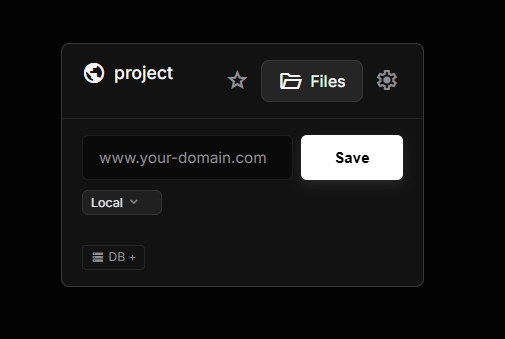
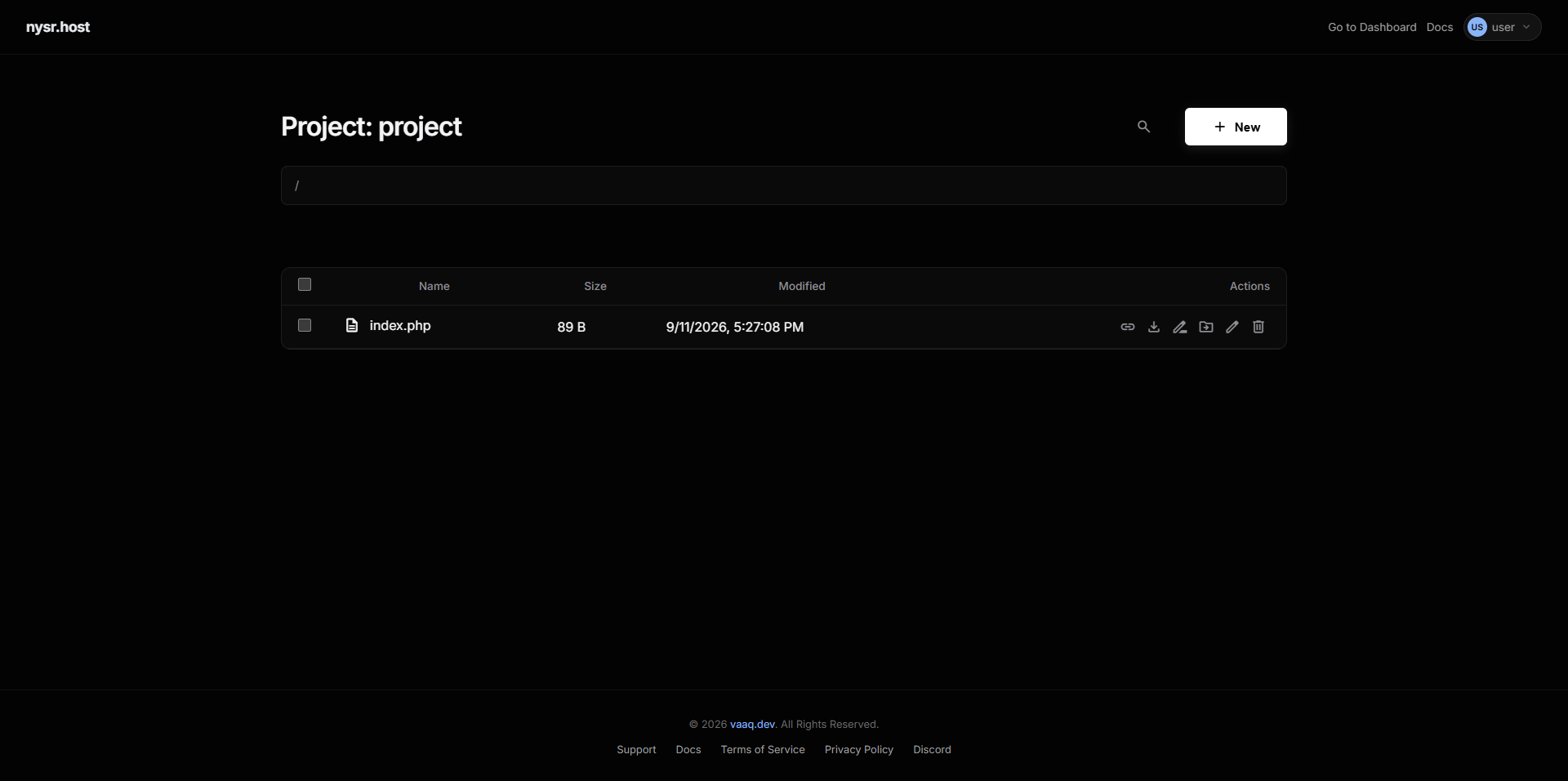
After the project appears on the dashboard, click the Files button for that project. This opens the file manager for that website. Upload your files into the main/root folder, not inside another folder unless your app requires it.
New projects include a default index.html. If you are publishing a PHP site, delete that file first so your index.php becomes the homepage.
- Use the file manager for small sites or quick edits. Drag files into the page, or use the upload button.
- Use SFTP for larger projects. Connect FileZilla or VS Code using the SFTP details shown for your project.
For a PHP site, the first page should usually be named index.php. If you do not have a file yet, create one with this example:
<?php
echo "<h1>Hello from " . htmlspecialchars($_GET['name'] ?? 'nysr.host') . "</h1>";
4 Open your live site
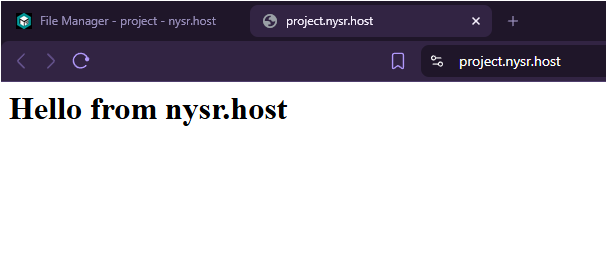
Open your project URL in the browser. If you see your PHP page, your site is live. If you see a 404 page, the most common reason is that index.php or index.html is missing from the project root.
Seeing a 404 instead of a 403 for missing pages is expected: projects without an index file return 404, not a directory listing.
5 Optional: custom domain and database
- Custom domain: after the site works on the free subdomain, add your own domain from the dashboard and follow the DNS instructions.
- MySQL database: if your PHP app needs a database, create one from the project settings and copy the credentials into your PHP config file.
6 Quick troubleshooting
- 404 page: make sure your file is named
index.phporindex.htmland is in the root folder. - PHP code is visible as text: make sure the file ends with
.php, not.html. - Changes do not appear: refresh the page, then check that you uploaded the file to the correct project.