How to upload files with SFTP
SFTP is useful when your site has many files or when you want to upload directly from an editor like VS Code.
1 folder Open your project
Go to the dashboard, find your project, and open the SFTP details for that project.
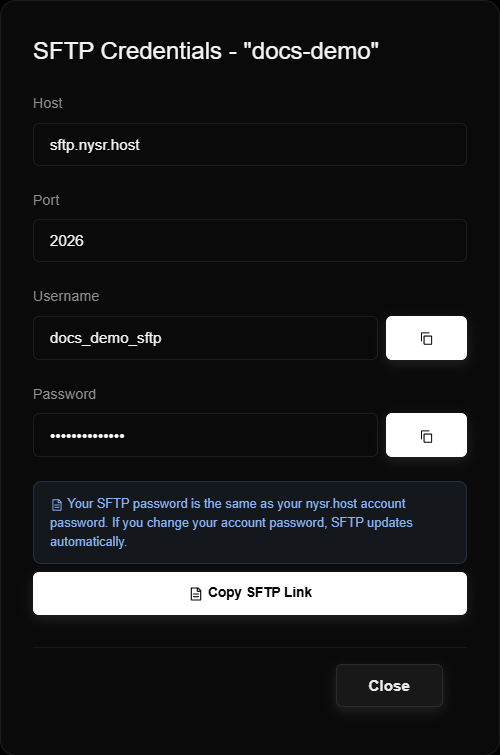
2 key Copy the connection details
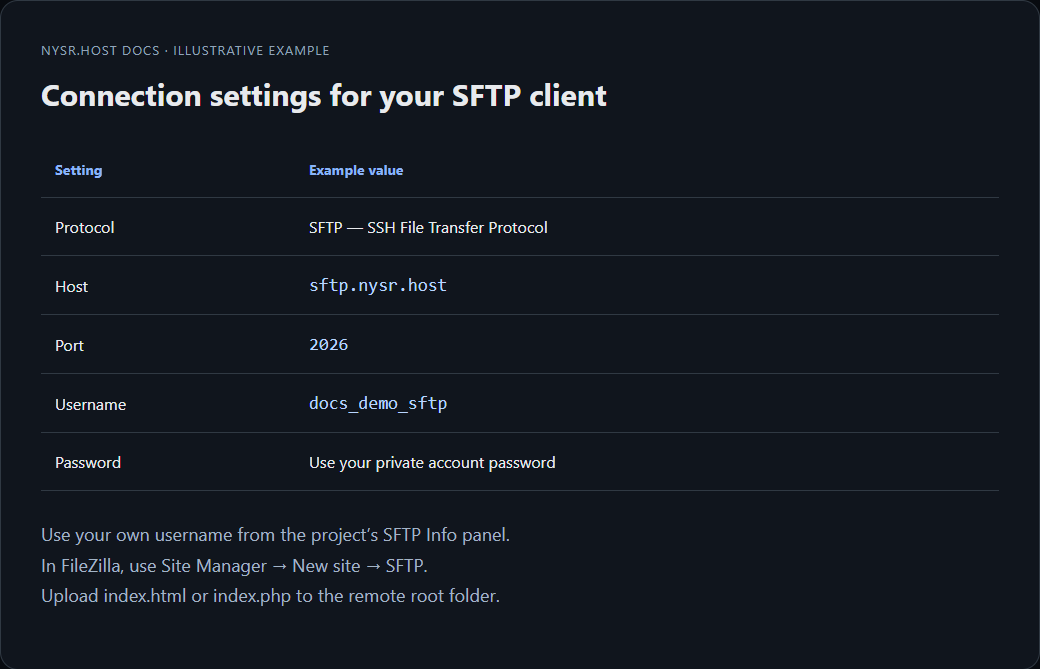
Host: sftp.nysr.host
Port: 2026
Use the username and password shown in your project.
3 computer Connect with FileZilla or VS Code
Paste the host, port, username and password. After connecting, upload your files into the project root folder.
4 home Check the homepage
For PHP, use index.php. For a static site, use index.html. If both exist, delete the one you do not want as the homepage.